
MatrixInn Size Chart for Shopify
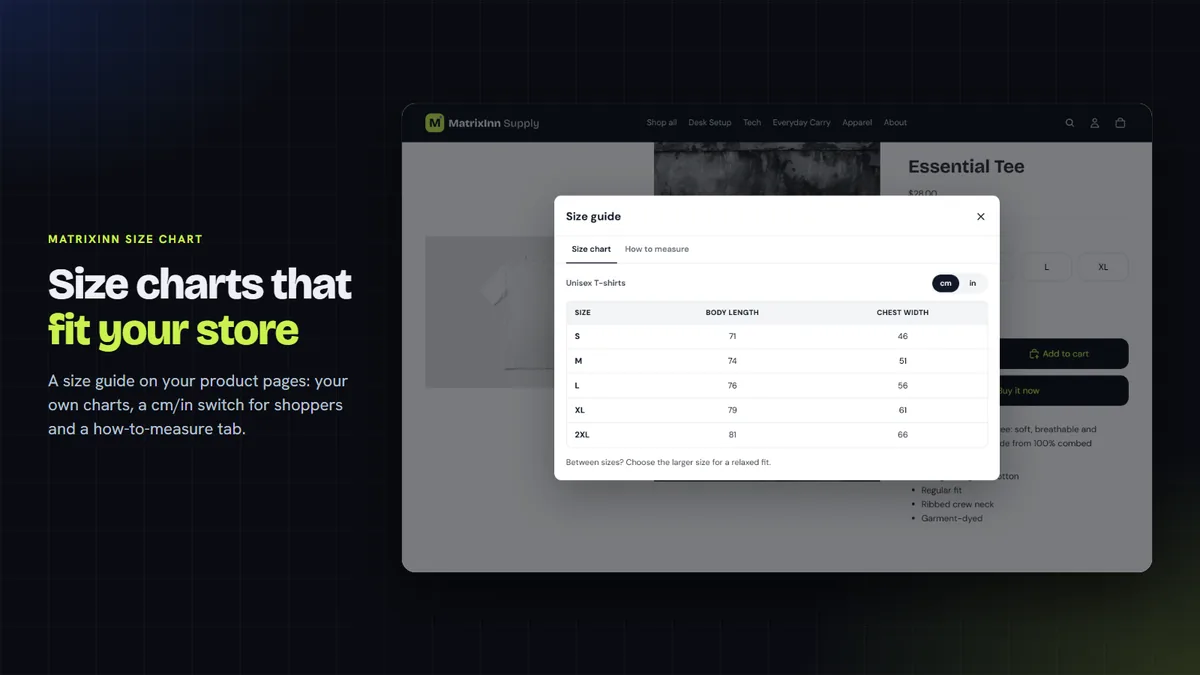
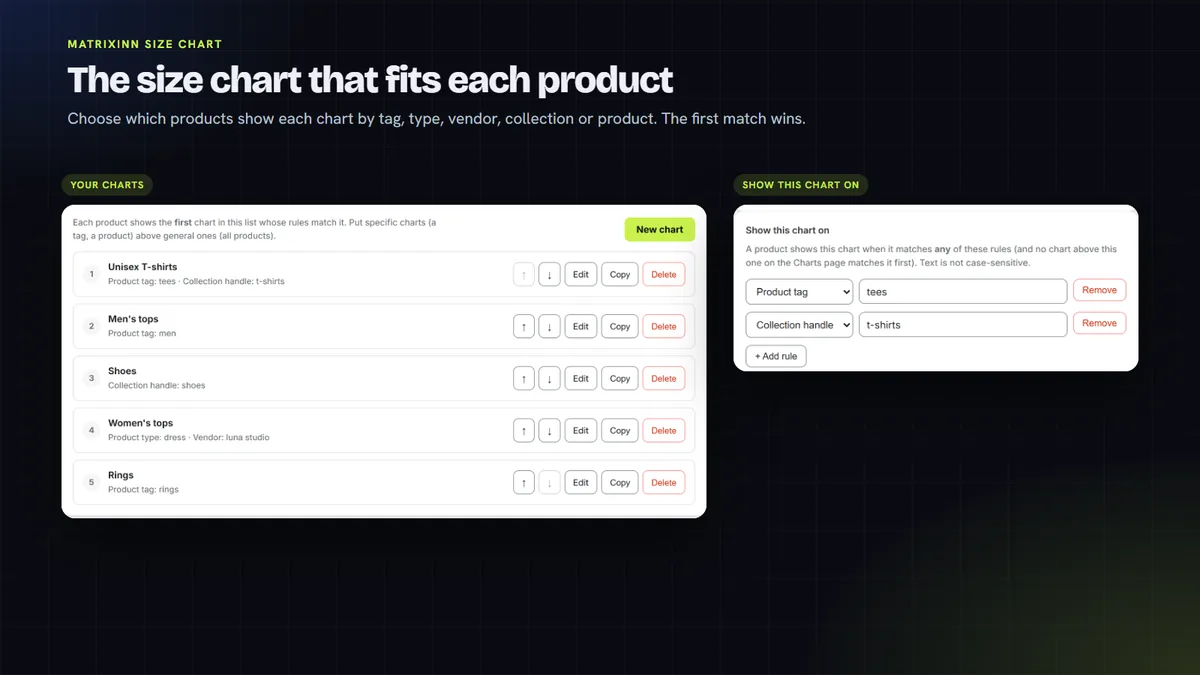
Adds a "Size guide" link to your product pages that opens your size chart in a popup or side drawer. Start from a template or paste a table from Google Sheets or Excel, and shoppers can switch between cm and inches. Choose which products show each chart by tag, type, vendor, collection or product.
- $0.99 per 30 days
- 14-day free trial
- No theme code editing
See it in action
About 4 minutes. Hosted on YouTube; nothing loads from YouTube until you press play. Open on YouTube
What the size guide does
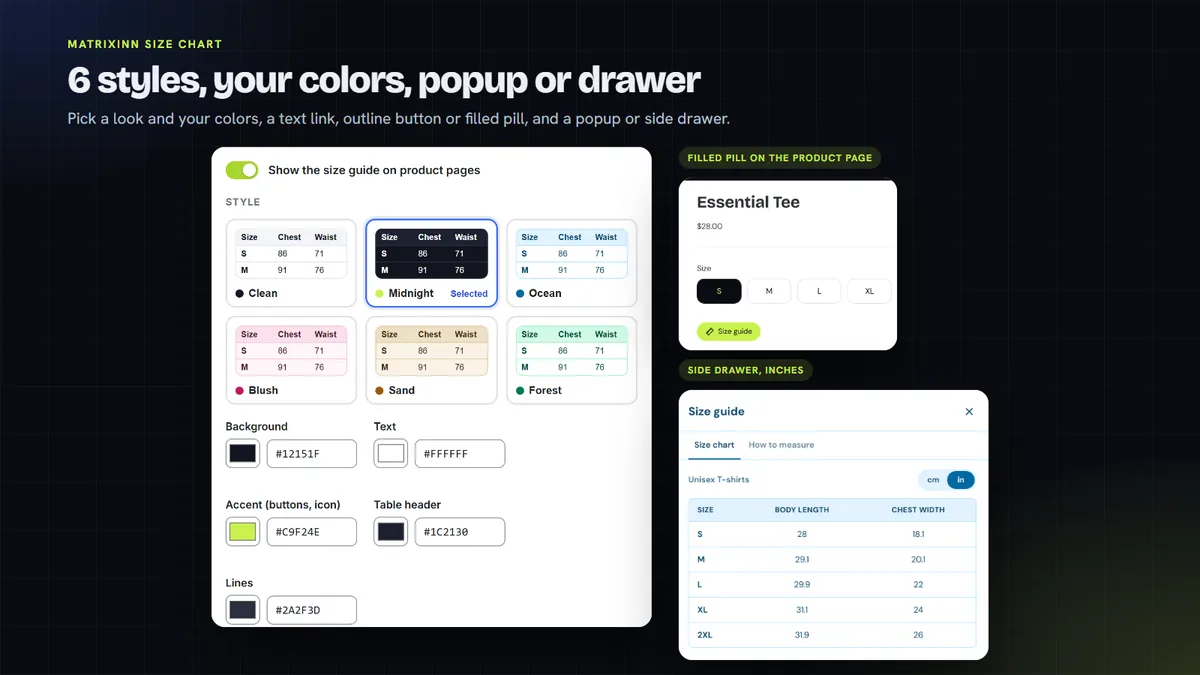
Popup or side drawer
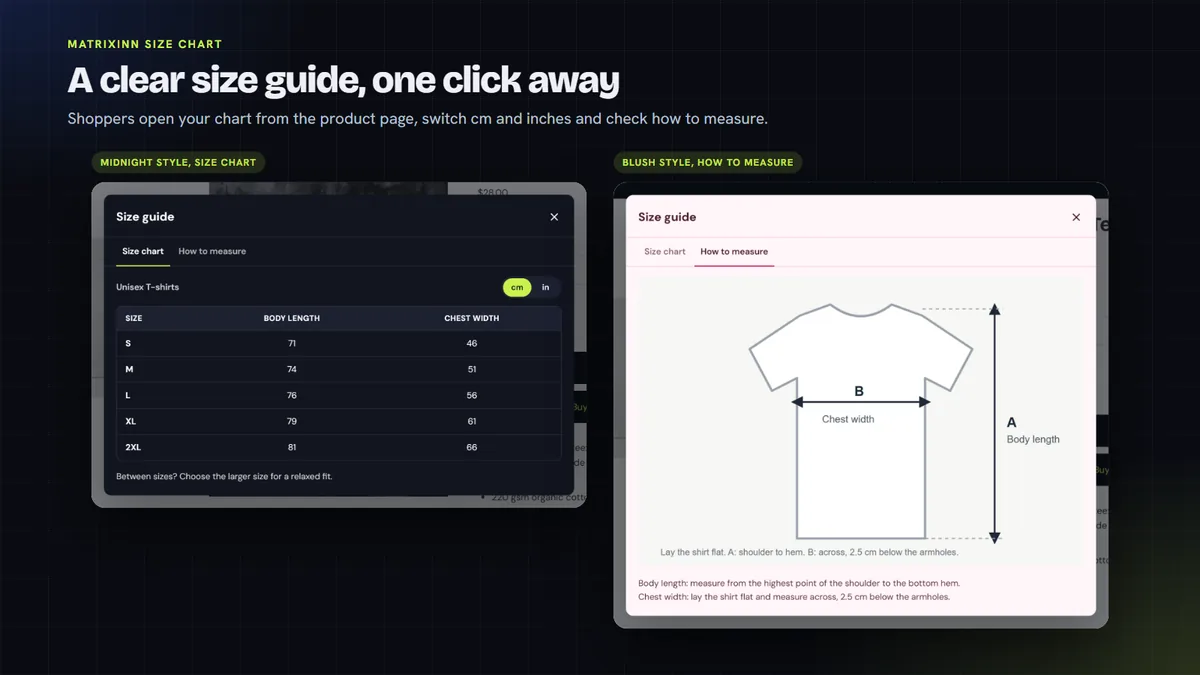
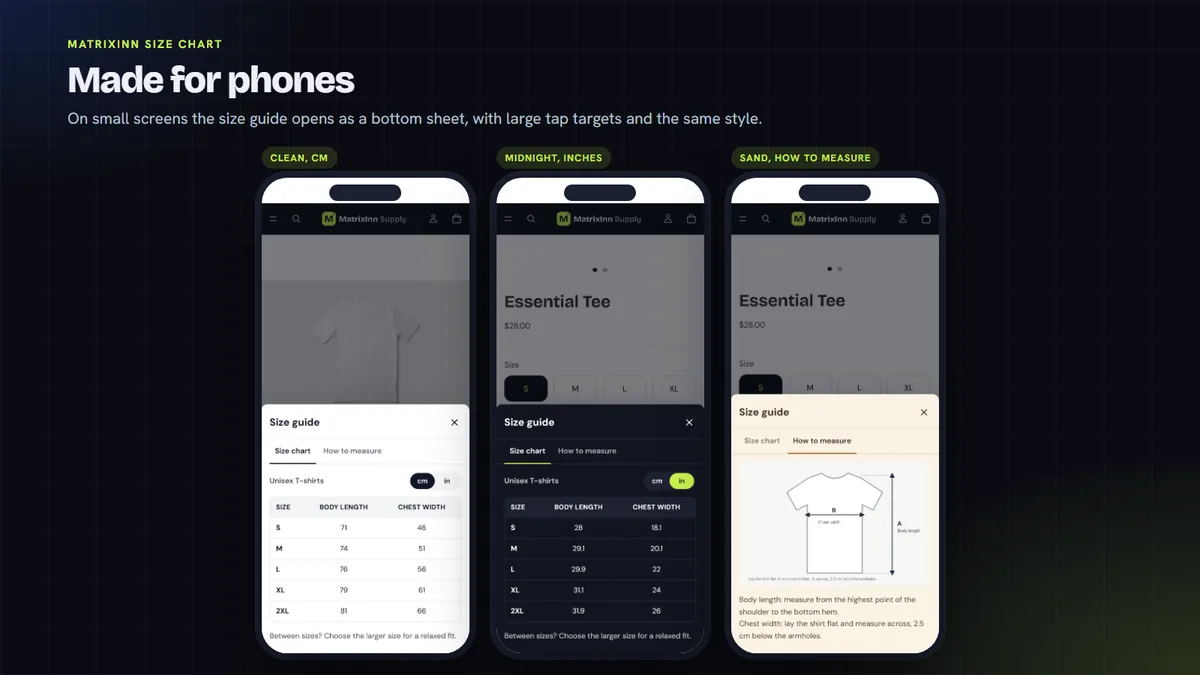
A "Size guide" link on your product page opens the chart in a popup or a side drawer. On phones it opens as a bottom sheet.
cm/in switch
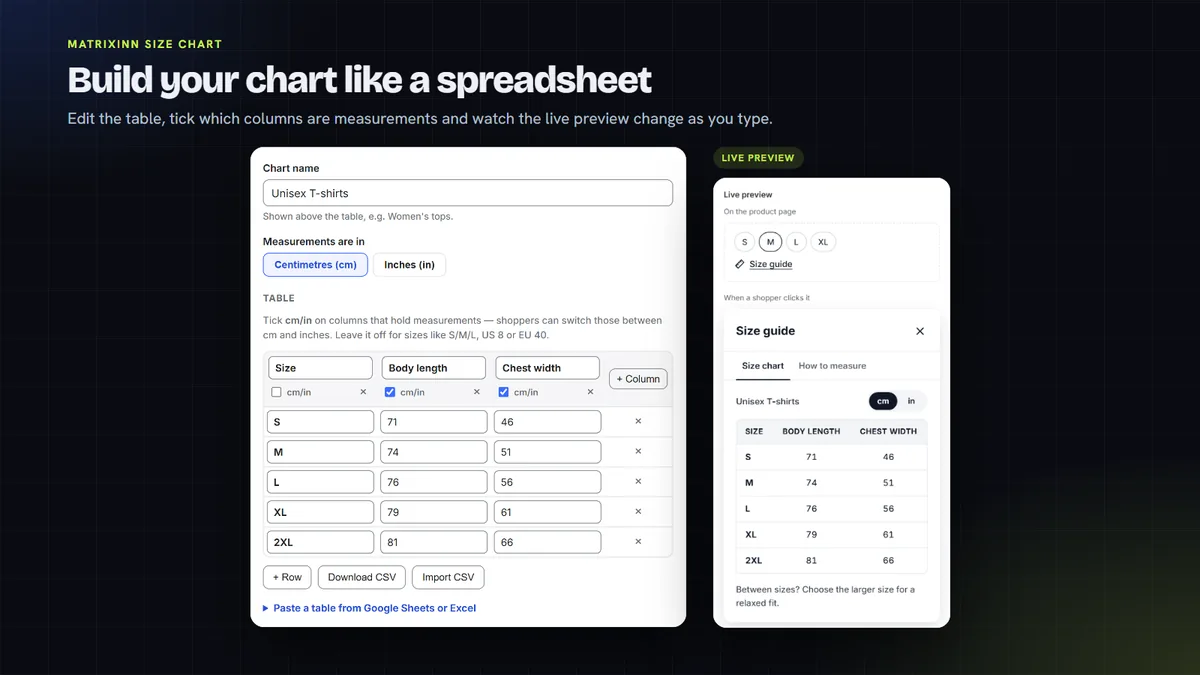
Mark which columns are measurements, and shoppers can switch between cm and inches. Only those columns are converted.
Rules for each chart
Show each chart by product tag, product type, vendor, collection or single product.
Templates or your own table
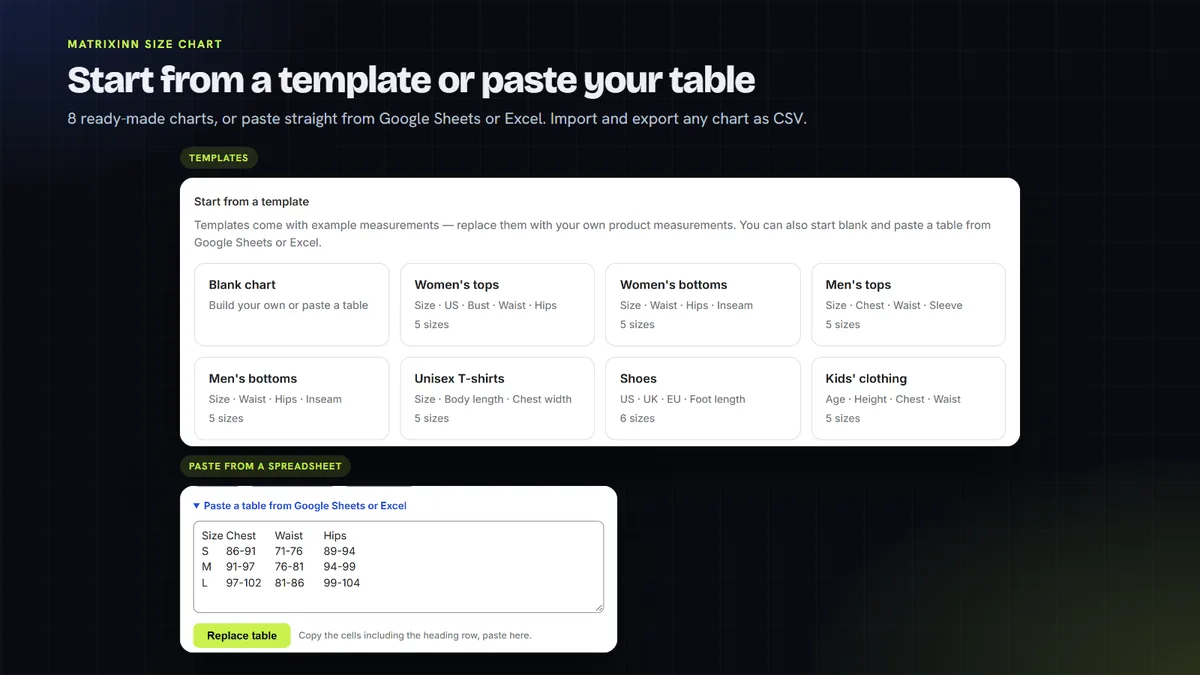
Start from one of 8 templates, or paste a table straight from Google Sheets or Excel. Import and export any chart as CSV.
How-to-measure tab
Add a second tab with how-to-measure text and an image, so shoppers can check their size before they order.
6 styles, your colors and wording
Pick one of 6 ready-made styles or your own colors, choose the link style and icon, and write every label your way.
A look inside
How it works
Start your free trial
When the app is listed, add it to your store and start the 14-day free trial from its dashboard.
Create your charts
Start from a template, paste a table from Google Sheets or Excel, or import a CSV. Mark the measurement columns for the cm/in switch.
Choose the products
Add rules so each chart shows on the right products: by tag, product type, vendor, collection or a single product.
Add the link to your product page
Add the size guide block to your product page in the theme editor, or turn on the floating tab. Pick a style and save. There is no theme code to edit.
One plan, no usage caps
Try it free for 14 days. After that it is $0.99 per 30 days, billed through Shopify.
14-day free trial
- Up to 100 charts, unlimited views
- cm/in switch and how-to-measure tab
- Rules by tag, type, vendor, collection
- Templates, CSV import and export
One plan. Billed in USD through Shopify. Cancel from the app dashboard and the size guide is removed from your store.
Questions, answered honestly
Is MatrixInn Size Chart in the Shopify App Store yet?
Does it work with my theme, and do I need to edit code?
Can I use the charts I already have in a spreadsheet?
Is there a free trial, and how do I cancel?
What data does the app store?
More from MatrixInn
Want to know when it is live?
We will add the Shopify App Store link to this page as soon as the review is finished. Questions in the meantime? Write to us.