
CODsafe for Shopify
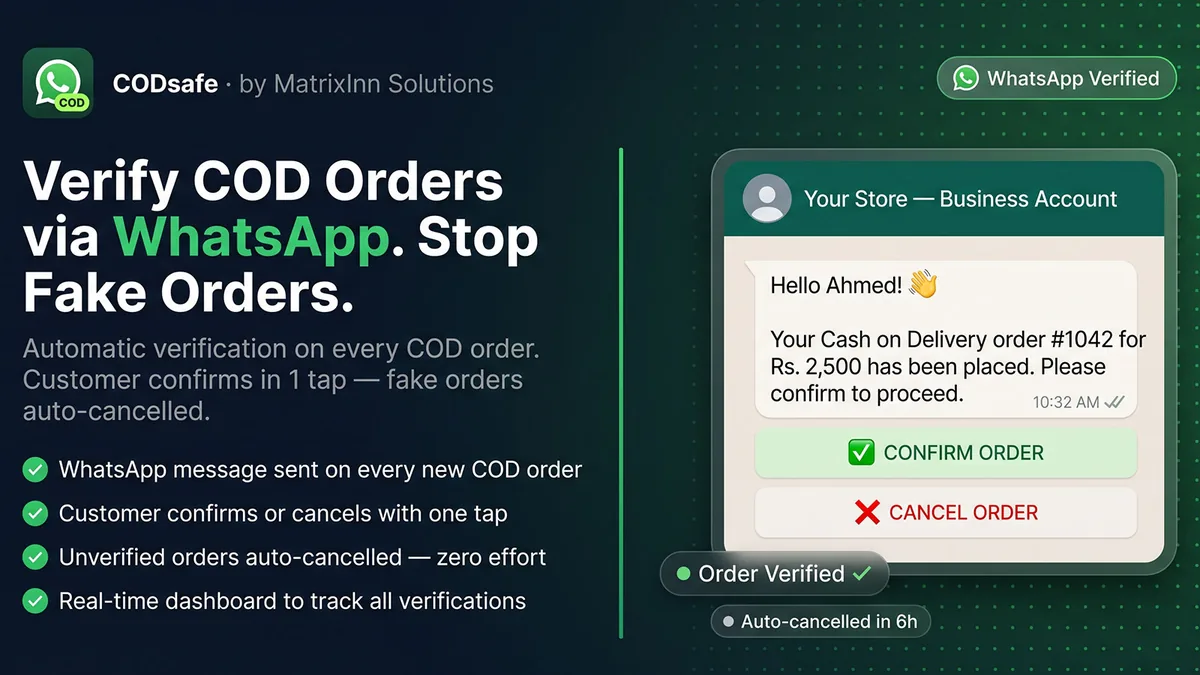
When a customer places a Cash on Delivery order, CODsafe sends them a WhatsApp message with Confirm and Cancel buttons. Confirmed orders are marked verified, cancelled ones are cancelled in Shopify, and orders with no reply can be cancelled automatically, so you stop paying couriers for parcels nobody wanted.
- Free plan with 15 messages a month
- Paid plans from $4.99/mo
- 7-day free trial on paid plans
What CODsafe does
A WhatsApp message on every COD order
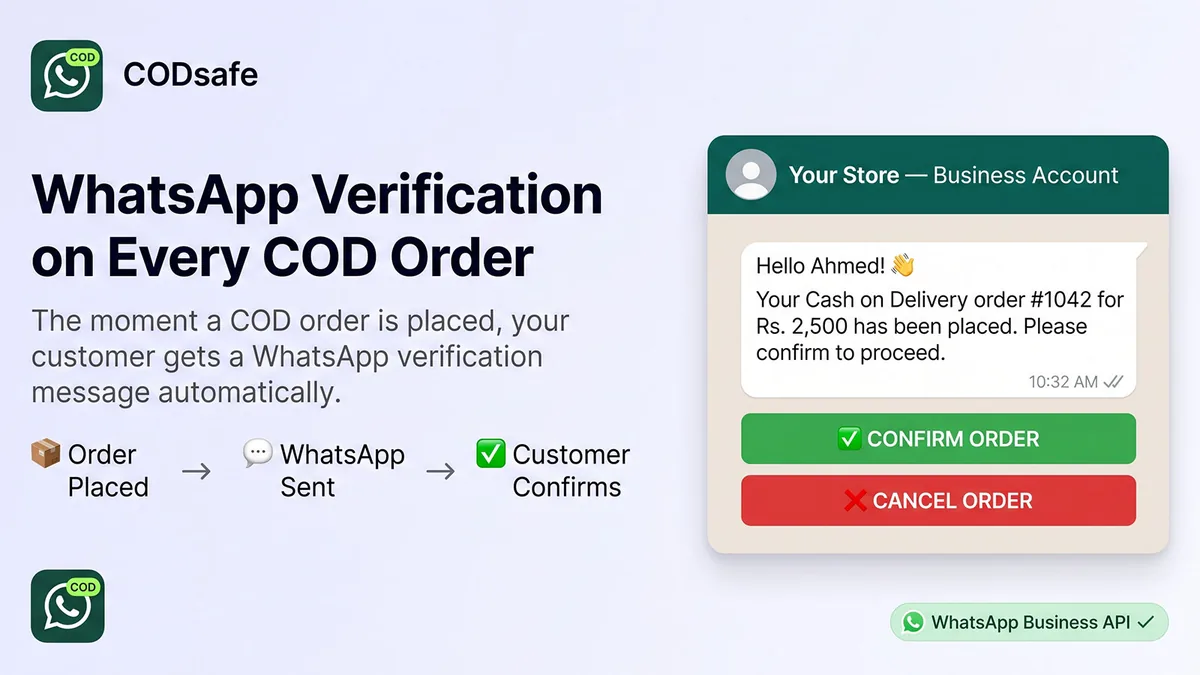
The moment a Cash on Delivery order comes in, the customer gets a WhatsApp message with their name, order number and total, and Confirm and Cancel buttons.
The reply updates the order
Confirm marks the order verified and tags it. Cancel cancels it in Shopify. Plain replies such as "yes", "no" or "haan" work too.
Reminder and auto-cancel
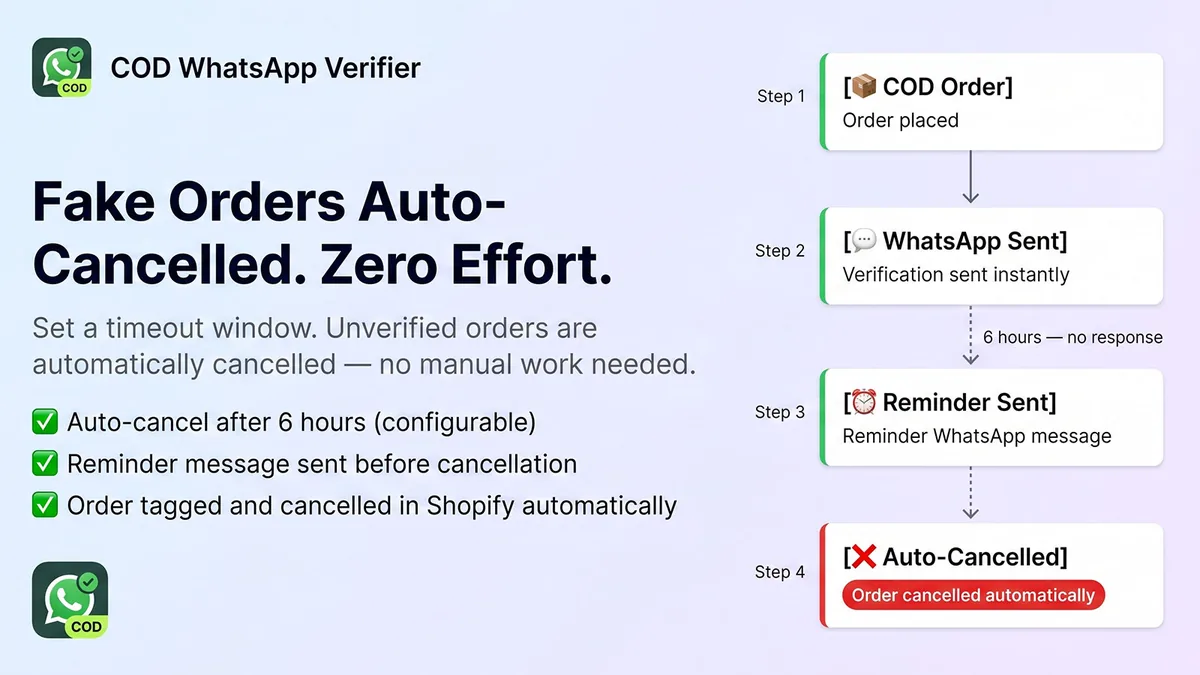
Send a reminder after 1, 2, 3 or 6 hours, and cancel orders with no reply after 2, 6, 12 or 24 hours.
Blacklist for repeat fake orders
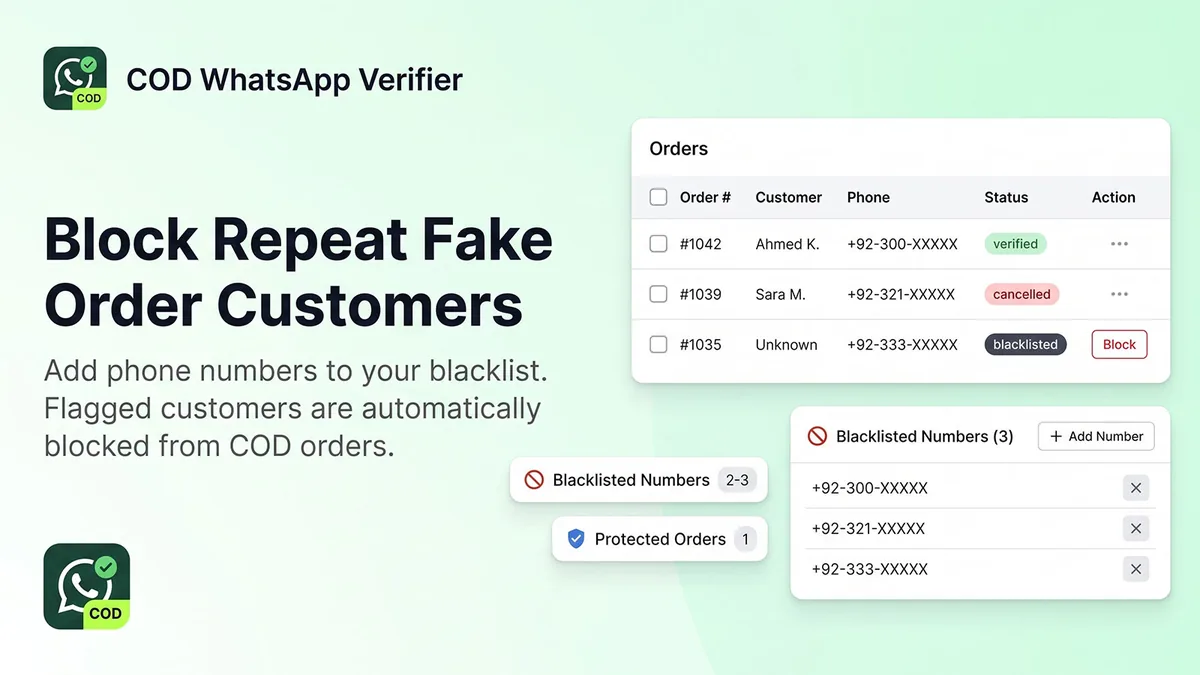
Add numbers that keep placing fake orders. Their next COD order is cancelled automatically and no message is sent.
One page for every COD order
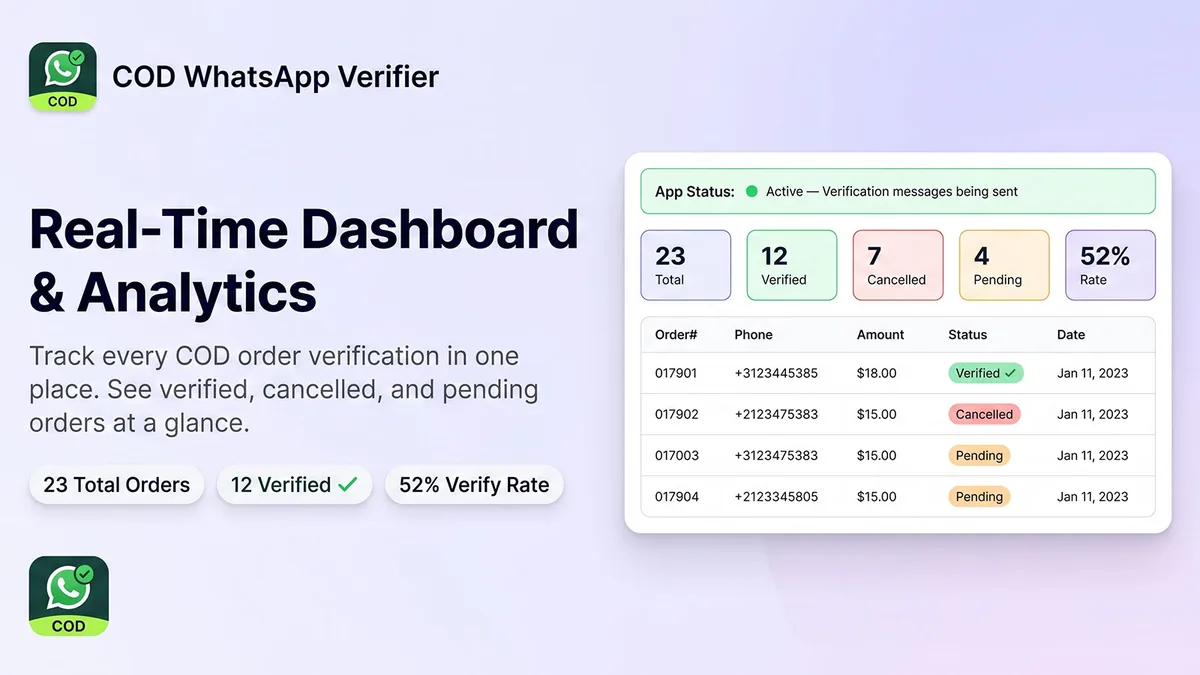
Filter orders by Pending, Verified, Cancelled or Expired, and verify, cancel or resend the message by hand.
Dashboard and usage
See your totals, the share of orders confirmed and how many messages you have used this month.
A look inside
How it works
Install and connect WhatsApp
Add CODsafe to your store and connect your own WhatsApp Business account (Meta Cloud API). On any paid plan our team sets this up for you, free.
Pick your message
Use the Confirm/Cancel WhatsApp template, in English, Urdu or any language WhatsApp supports.
Add your timings and blacklist
Choose the reminder and auto-cancel times, and add any numbers that keep placing fake orders to the blacklist.
Activate and test
Press Test Connection, then Activate on the dashboard, and place a COD test order to your own phone.
Start free, pay as your COD orders grow
Every plan has the full verification, reminders, auto-cancel and blacklist. Paid plans add more messages and we set up WhatsApp for you.
- 15 WhatsApp messages a month
- Verification, reminders and auto-cancel
- Dashboard and blacklist
- Email support
7-day free trial
- 500 messages a month
- Everything in Free
- Priority email support
- Free WhatsApp setup by our team
7-day free trial · most popular
- 2,000 messages a month
- Everything in Free
- Priority email support
- Free WhatsApp setup by our team
7-day free trial
- Unlimited messages
- Everything in Free
- Dedicated support
- Free WhatsApp setup by our team
Billed in USD through Shopify every 30 days. The message count resets each calendar month and a failed send does not count. Any conversation fees Meta charges for WhatsApp are billed by Meta to your WhatsApp Business account.
Questions, answered honestly
Is CODsafe in the Shopify App Store yet?
Do I need a WhatsApp Business account?
What happens if the customer does not reply?
Does it work in Urdu or other languages?
What data does CODsafe use?
More from MatrixInn
Want to know when it is live?
We will add the Shopify App Store link to this page as soon as the review is finished. Questions about COD verification in the meantime? Write to us.