
Free image converter. No upload.
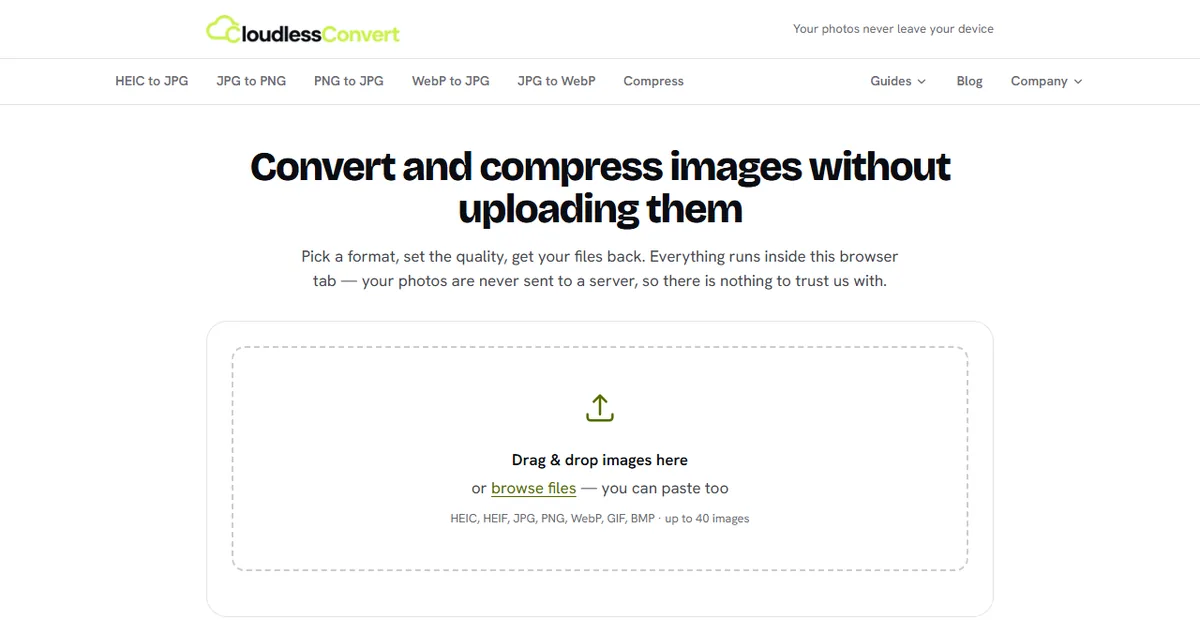
CloudlessConvert turns iPhone HEIC photos into JPG, converts between JPG, PNG and WebP, and compresses images to a size like 20 KB. It all runs in your browser, and the photo date, camera and location are kept.
Convert and compress without giving your photos away
Other converters upload your files to their servers. This one does the work on your own device.
Nothing is uploaded
Every image is decoded and re-encoded inside your browser tab. There is no server to send it to, and you can check that in your browser's network tab.
Photo details kept
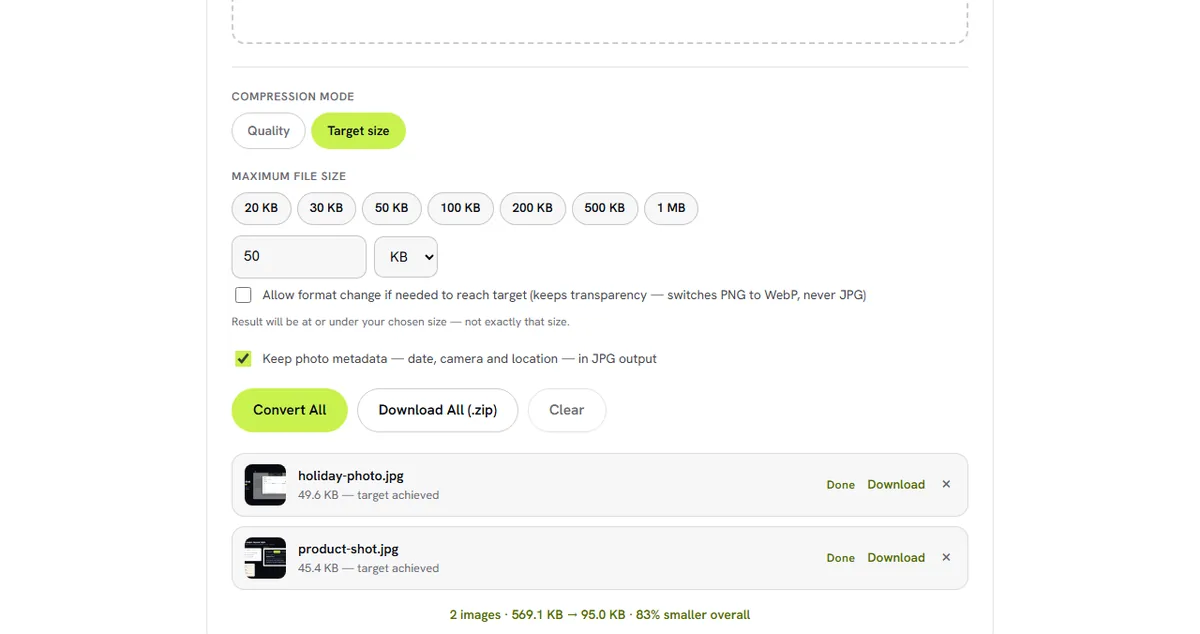
Most converters strip the capture date, camera model and location. CloudlessConvert copies them into JPG output, and you can switch that off to share a clean file.
Compress to an exact size
Type the limit a form asks for, such as 20 KB, 50 KB or 2 MB, and every file comes back at or under it, at the best quality that fits.
40 images at a time
Drop, browse or paste up to 40 images per batch and download them all as one ZIP file.
HEIC, JPG, PNG, WebP and more
Reads HEIC, HEIF, JPG, PNG, WebP, GIF and BMP, and writes JPG, PNG or WebP with a quality setting.
Free, no sign-up
No account, no watermark and no daily limit. The only ceiling is your own device.
The conversions people ask for
Reads: HEIC, HEIF, JPG, PNG, WebP, GIF and BMP. Writes: JPG, PNG and WebP. All converters: cloudlessconvert.com/converters
See it in action
Common questions
Is CloudlessConvert free?
Are my photos uploaded?
How do I compress an image to 20 KB?
Does it keep the photo date and location?
How many images can I convert at once?
Can I convert iPhone HEIC photos on Windows or Android?
More from MatrixInn
CloudlessConvert is one of our free browser tools, next to Refont for fonts. See the rest of our apps, plugins and extensions, or tell us what you would like built.