
Free font converter. Keep the font.
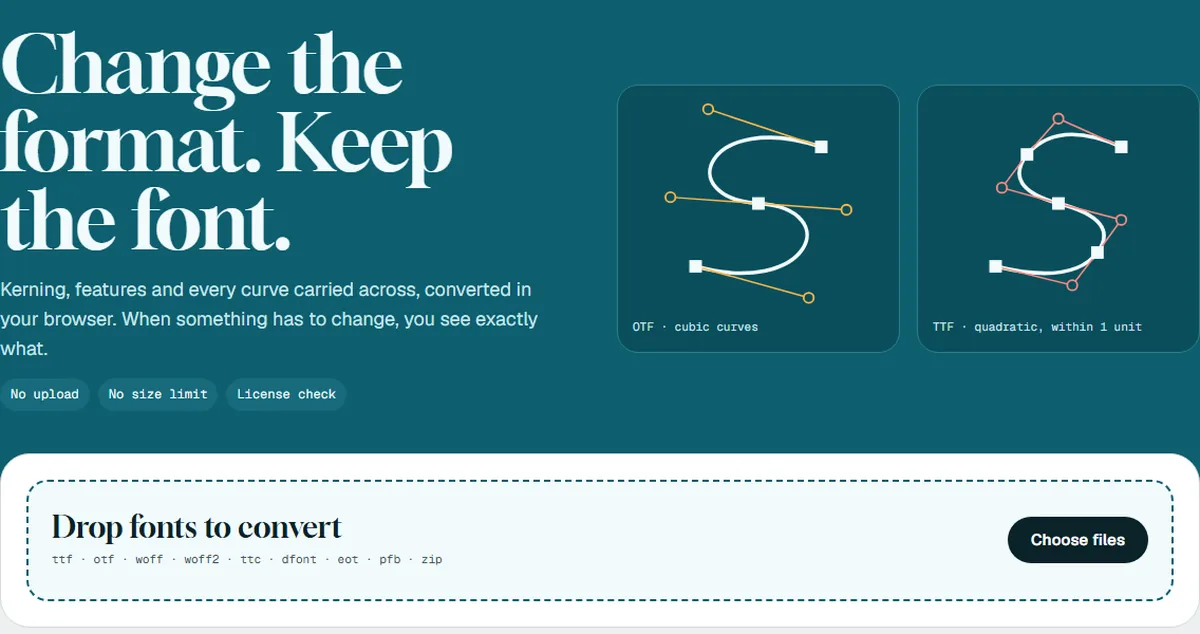
Refont converts TTF, OTF, WOFF and WOFF2 fonts in your browser. Kerning, OpenType features and every curve are carried across, and your fonts are never uploaded.
A converter that tells you what it did
Refont rebuilds the font and shows you exactly what changed, file by file.
Nothing is uploaded
Every conversion runs inside your browser tab. Nothing about your font is sent anywhere, and you can check this in your browser's network tab.
Real outline conversion
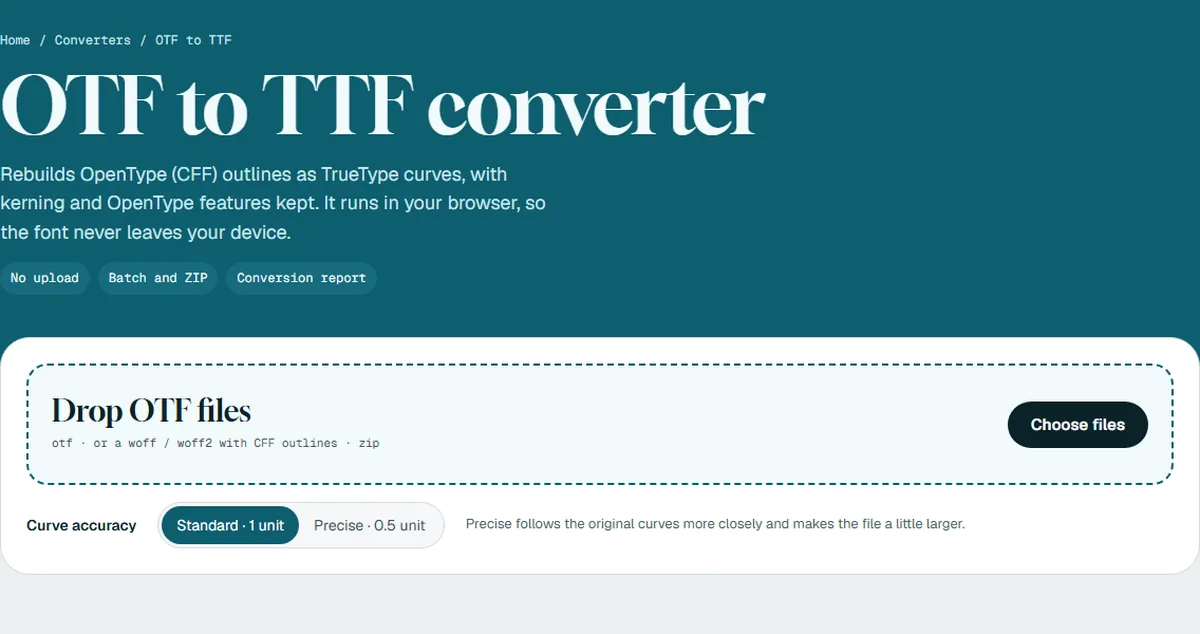
OTF to TTF rebuilds the curves instead of renaming the file, so the shapes stay within one font unit and the kerning is kept.
A report for every file
Each converted font comes with a report: glyph count, kerning, OpenType features and variable axes, so you can see what was kept and what changed.
A license check
Refont reads the font's embedding settings and shows a warning in the report when the font is restricted, so you can check your license before using the result.
No size limit
Large fonts are fine. There is no file size limit, no account and no watermark.
Offline once loaded
The converters are WebAssembly builds of Google's WOFF2 library and fontTools. Each one loads the first time you need it, and after that keeps working without a connection.
The conversions people ask for
Reads: TTF, OTF, WOFF, WOFF2, TTC, dfont, EOT, Type 1 (PFB) and ZIP archives of these. Writes: OTF, TTF, WOFF2 and WOFF.
See it in action
Common questions
Is Refont free?
Are my fonts uploaded?
Which formats can it read and write?
Is it legal to convert any font?
Why is OTF to TTF slower the first time?
Where do I use Refont?
More from MatrixInn
Refont is one of our free browser tools. See the rest of our apps, plugins and extensions, or tell us what you would like built.