
MatrixInn Floating Buttons for WordPress
Add WhatsApp, Call, Email, and Scroll to Top floating buttons to any WordPress site — no coding required. Full control over colors, size, position, device visibility, and show delay, all from the WordPress admin.
Running a Shopify store? See MatrixInn Floating Buttons for Shopify, a separate app that is currently in Shopify review.
Everything in one lightweight plugin
Four buttons, full customization, zero code. Install, configure from the admin, and you're live in minutes.
WhatsApp Button
Opens a WhatsApp chat with a pre-filled message — visitors reach you in one tap, no number copying required.
Call Button
Triggers a direct phone call on mobile devices. Perfect for service businesses where a quick call closes the deal.
Email Button
Opens the visitor's email client with a pre-filled subject line, making it effortless to get in touch.
Scroll to Top
Appears smoothly after the visitor scrolls down and glides them back to the top — improves UX on long pages.
Per-button Enable/Disable
Show only the buttons you need. Each of the four buttons can be turned on or off independently from the admin.
Left or Right Position
Choose whether the button stack floats on the left or right side of the screen to match your site layout.
Three Size Options
Pick Small, Medium, or Large for each button to fit your site's visual weight without cluttering the design.
Custom Colors
Set a unique background color for every button — no theme override needed, changes take effect instantly.
Custom Tooltip Text
Add a short label that appears on hover for each button, guiding visitors before they click.
Show Delay (0–10 s)
Hold the buttons back for up to 10 seconds after page load so they don't compete with your hero content.
Device Control
Display buttons on Desktop only, Mobile only, or Both — ideal for keeping the call button off desktop.
Clean Uninstall
Deleting the plugin removes every option it created. No orphaned rows left behind in your database.
See it in action
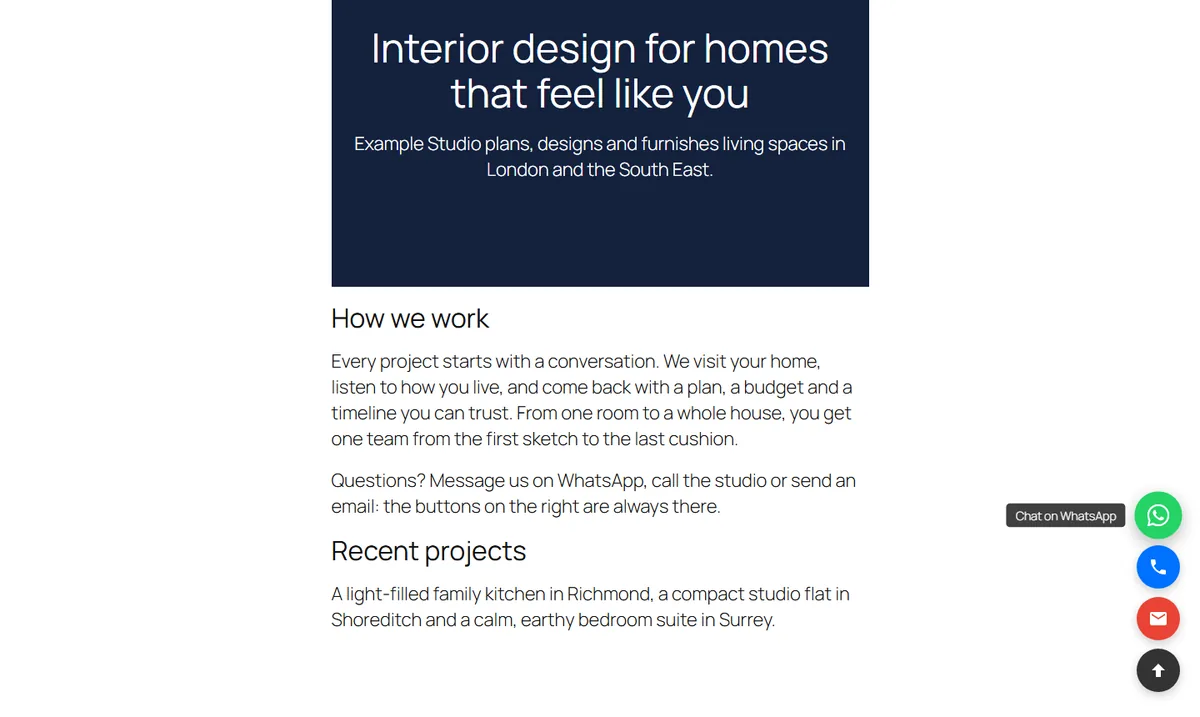
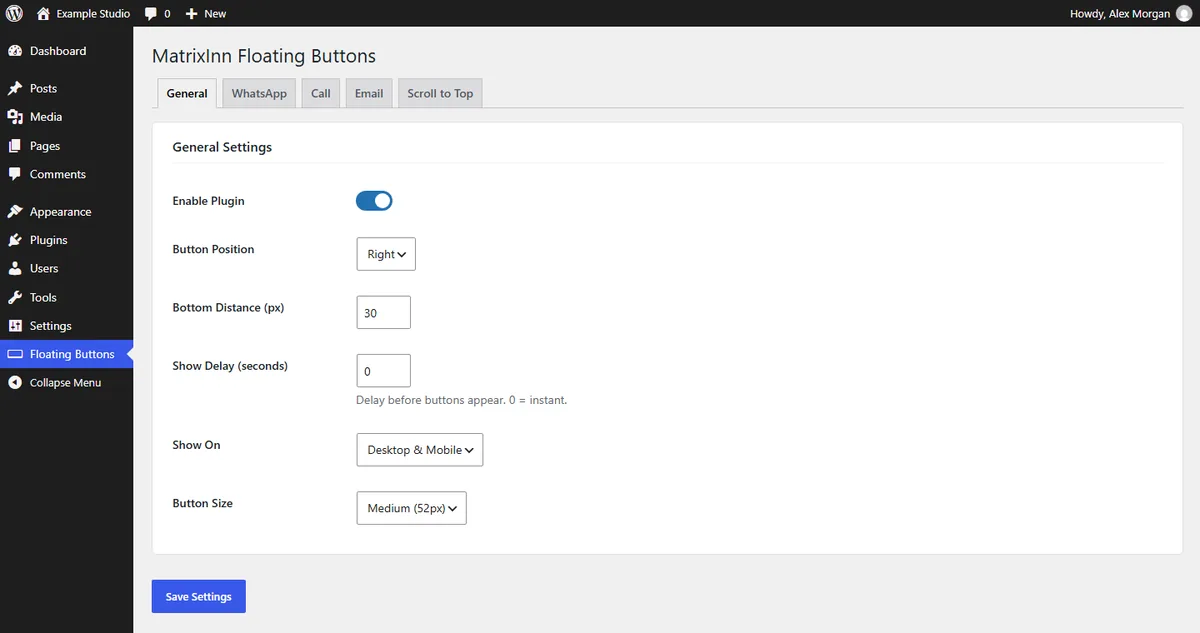
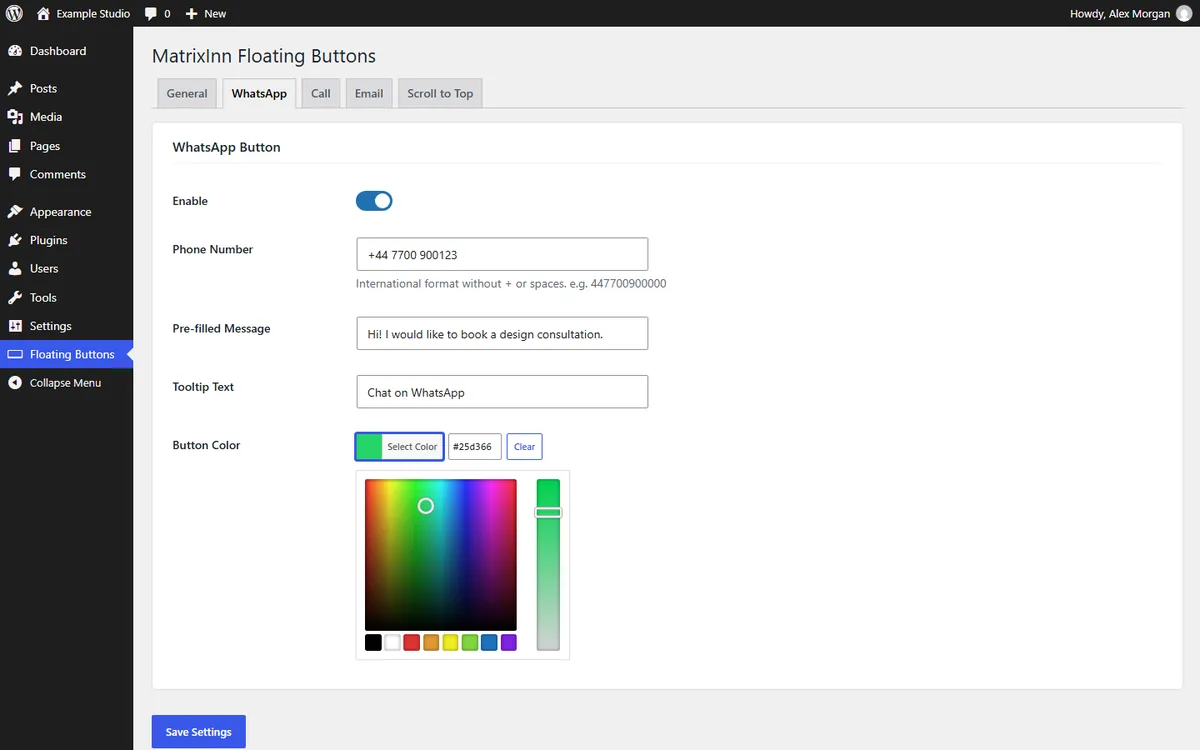
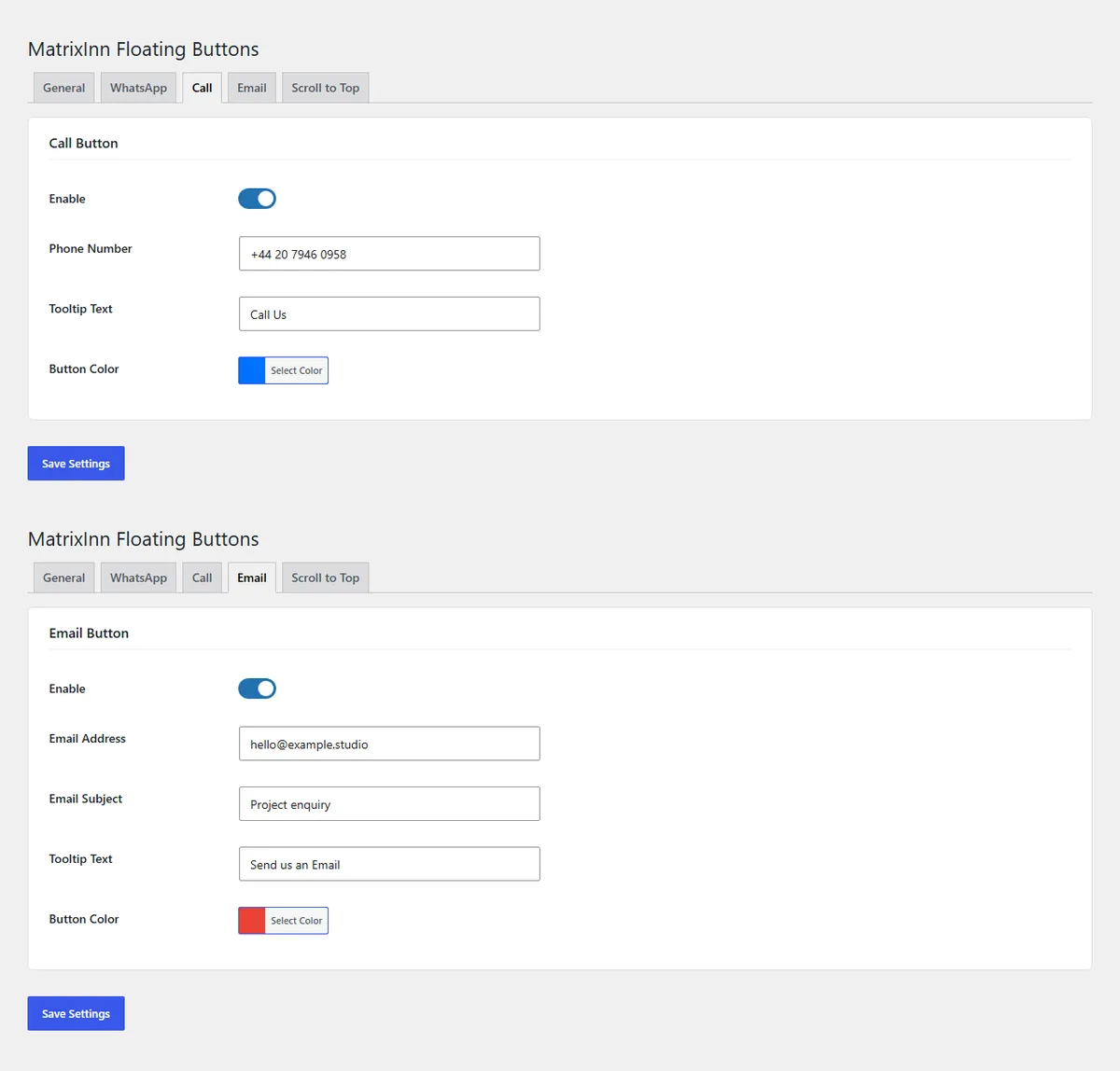
Screenshots from the plugin’s WordPress.org page.
Works on any modern WordPress site
Release history
Fixed: The WhatsApp link now holds only the digits of the phone number. Invisible characters, spaces or a + pasted with the number made WhatsApp on phones answer "not on WhatsApp". Fixed: The pre-filled WhatsApp message can be left empty again (it was filled back in with the default). An empty message opens the chat without text. Fixed: Invisible characters are removed from the pre-filled message.
Settings screen polish: wider dropdowns so labels are never cut off by the arrow, and larger, easier to read "Select Color" buttons. No change to the buttons on your site.
A small, dismissible review request for administrators, shown after a week of use and only on the Dashboard, Plugins and plugin screens. "Maybe later" snoozes it for 30 days; "Don't ask again" hides it for good.
Added plugin homepage and documentation links. Tested with WordPress 7.1.2 on PHP 8.0 — all four buttons, settings save, activation and uninstall cleanup.
Fixed the Scroll to Top icon being hidden on themes that add padding to buttons; button styles now reset theme padding, margin and line-height.
The front-end script now loads with the defer strategy for better performance.
Initial release — WhatsApp, Call, Email, and Scroll to Top buttons; per-button color, size, position, device control, show delay, and clean uninstall.
Common questions
Which buttons does the plugin add?
Four floating buttons: WhatsApp (opens a chat with a pre-filled message), Call (a direct phone link for mobile users), Email (opens the email app with a pre-filled subject) and Scroll to Top (appears after scrolling and returns smoothly to the top). You can enable each one on its own.
How do I add a WhatsApp button?
Go to Floating Buttons > WhatsApp, enable the button, enter your phone number in international format (for example 447700900000) and save. Spaces, dashes and a leading + are removed for you. The pre-filled message is optional.
Can I show the buttons only on mobile?
Yes. Go to Floating Buttons > General and set "Show On" to Mobile Only. You can also choose Desktop Only or Both.
What can I customise?
Left or right position, the distance from the bottom of the screen, three sizes (small, medium, large), a color for each button, tooltip text, a show delay of 0 to 10 seconds, and when the Scroll to Top button appears.
Will it slow down my site?
The plugin loads one small CSS file and one small vanilla JavaScript file. It uses no jQuery and loads no external libraries or fonts.
What happens to my settings if I uninstall it?
All plugin settings are removed from the database. They are stored in the WordPress wp_options table; the plugin creates no custom database tables.
Questions or setup help?
Need help installing or configuring the plugin? Email us and we’ll reply within one business day.
info@matrixinnsolutions.com