
 Chrome extension · WhatsApp Web privacy
 Keep WhatsApp Web private on a shared screen.
MatrixInn Privacy blurs your WhatsApp Web messages, chat list, photos and profile pictures, so people around you or on a screen share cannot read them. Hover over anything to see it, or press Alt+Shift+X to switch privacy on and off.
Choose exactly what gets blurred
Blur messages
Hide the text of the chat you have open, so only you can read it.
Blur the chat list
Hide contact names and message previews in the list on the left.
Blur media
Hide photos, videos and stickers until you choose to look at them.
Blur profile pictures
Hide every profile picture in WhatsApp Web.
Auto-blur when you leave
Everything blurs when your mouse leaves the window or you switch tabs, for example when you turn away from the screen.
Hover to reveal
Move the mouse over any blurred item to read it. Alt+Shift+X turns privacy on or off, and an ON badge on the toolbar icon shows when it is active.
See it in action
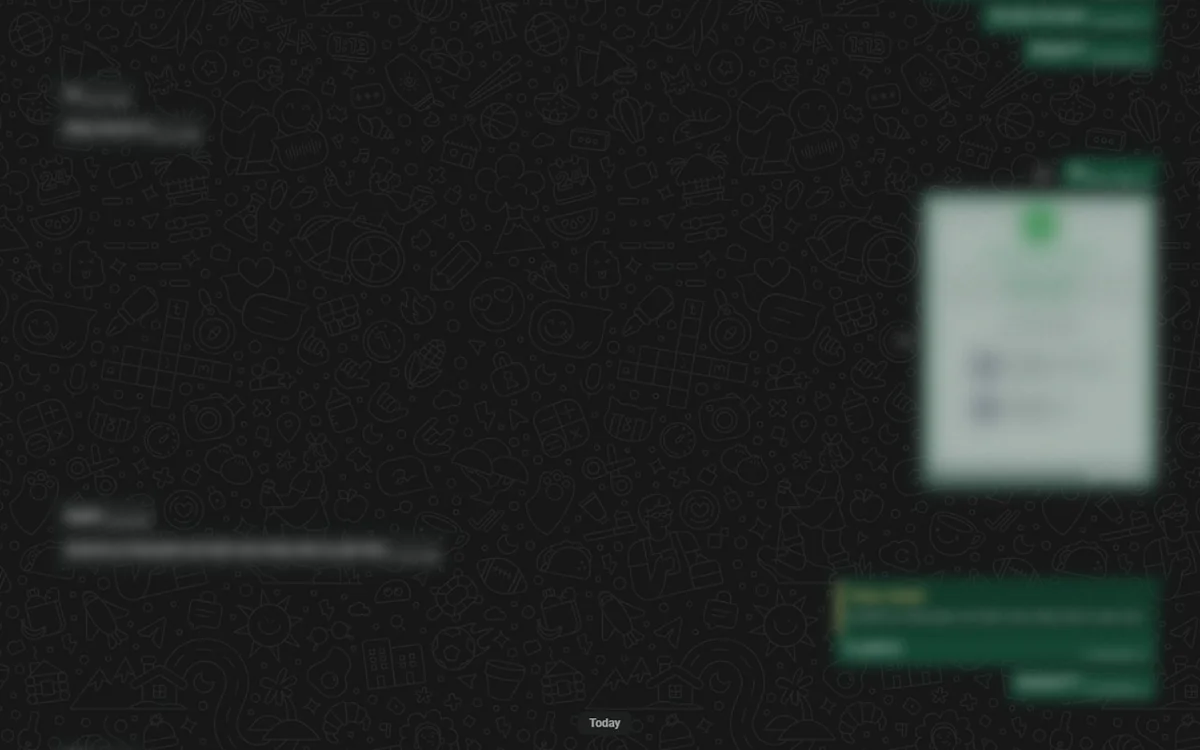
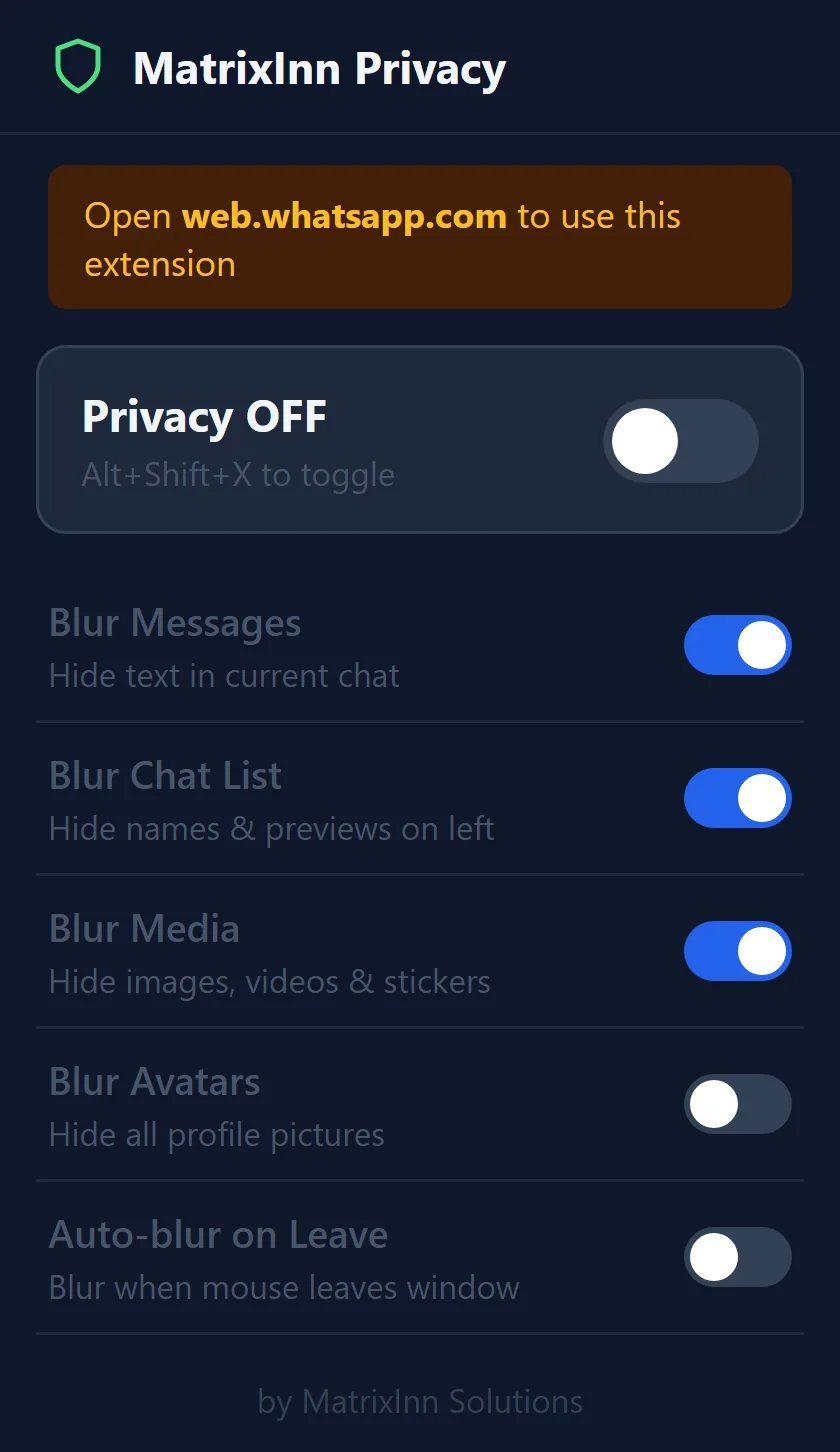
Screenshots from the Chrome Web Store listing and the extension itself.
Ready in under a minute
-
STEP 1
Add it to Chrome
Install MatrixInn Privacy for WhatsApp free from the Chrome Web Store.
-
STEP 2
Open WhatsApp Web
Go to web.whatsapp.com as usual. The extension only works on that site.
-
STEP 3
Turn privacy on
Use the popup or press Alt+Shift+X, then pick what to blur: messages, chat list, media or profile pictures.
Privacy: the extension does not collect or send your data, and settings are saved in your own browser. See our privacy policy.
Common questions
Is it free?
Can the extension read my messages?
Does it work on the WhatsApp phone app or desktop app?
How do I see a blurred message?
Is there a keyboard shortcut?
Need a browser extension built?
We build Chrome and Firefox extensions for companies, from privacy tools to internal productivity add-ons.