
 Chrome extension · Picture-in-Picture
 Watch while you work. One click to Picture‑in‑Picture.
MatrixInn PiP adds a small button to video players, so you can pop any video into a floating Picture-in-Picture window and keep browsing. It can also start PiP when you switch tabs, and Alt+P does it from the keyboard.
Picture-in-Picture without the hunting
One-click PiP button
Hover over a video and a PiP button appears, even on players with their own overlay. Click it and the video moves into a floating window that stays on top.
Auto-PiP on tab switch
Turn it on and a playing video goes into Picture-in-Picture by itself when you leave the tab. Paused videos stay where they are.
Alt+P shortcut
Press Alt+P to open the video that is playing (or the largest one) in Picture-in-Picture, even when the player sits inside an embedded frame.
Works where PiP is switched off
Some sites turn off the browser's own PiP option. The extension switches it back on for the video you choose.
A simple popup
The toolbar popup shows how many videos are on the page, a button for the largest one and the Auto-PiP switch.
Light and private
It is small and fast, keeps your settings in your own browser and does not collect or send your data.
See it in action

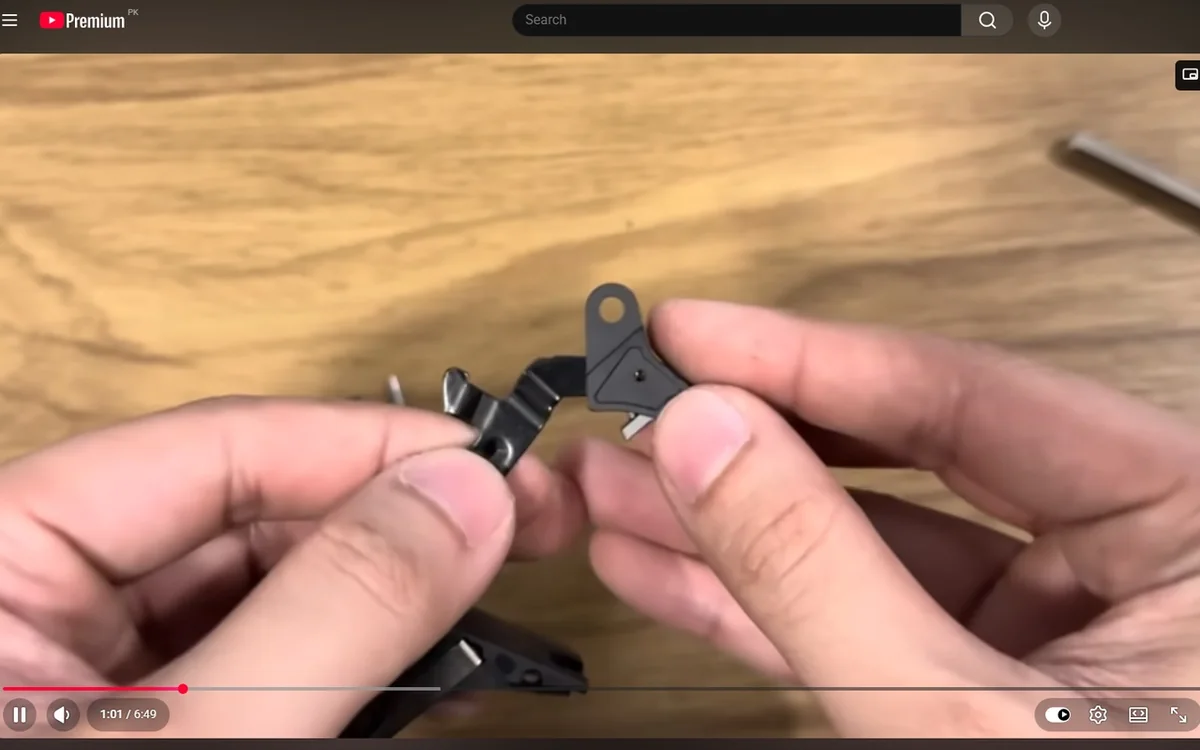
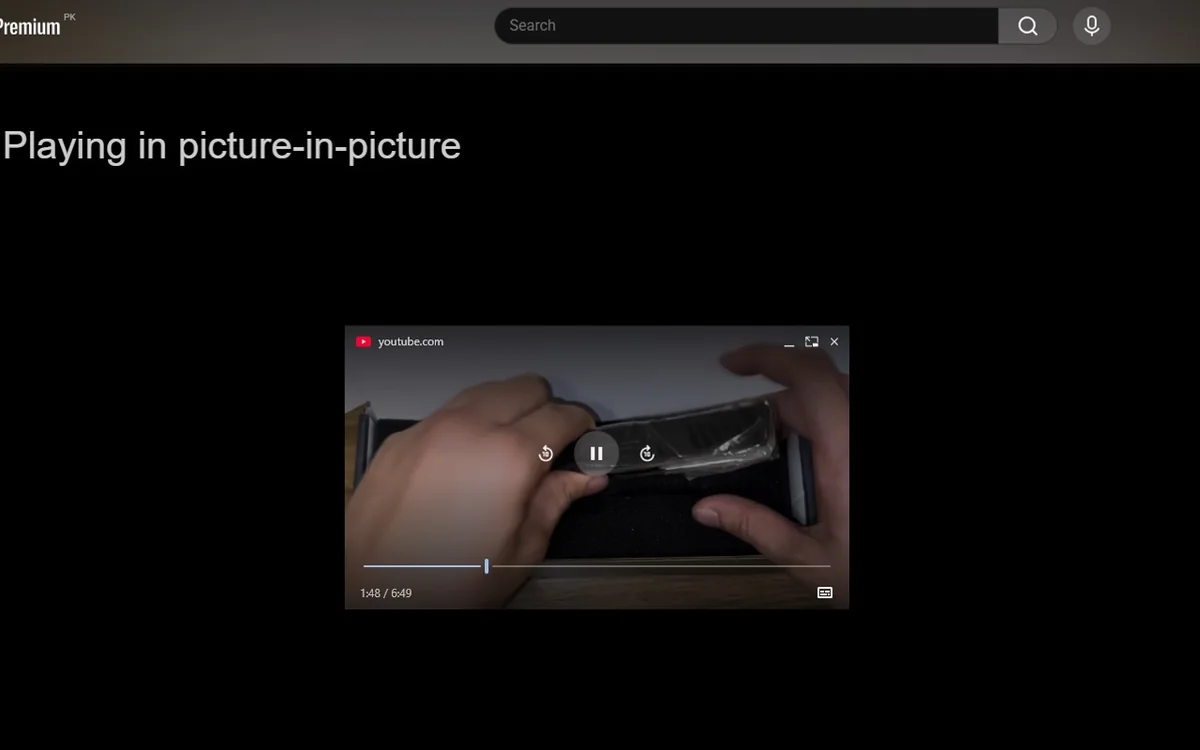
Screenshots from the Chrome Web Store listing and the extension itself.
Ready in under a minute
-
STEP 1
Add it to Chrome
Install MatrixInn PiP free from the Chrome Web Store. There is no account to create.
-
STEP 2
Open a video
Play a video on almost any website and hover over the player.
-
STEP 3
Click the PiP button
Or press Alt+P. The video floats on top while you work in other tabs and apps.
Privacy: the extension does not collect or send your data, and settings are saved in your own browser. See our privacy policy.
Common questions
Is MatrixInn PiP free?
Which websites does it work on?
What does Auto-PiP do?
Does it work in Firefox?
Does the extension collect my data?
Need a browser extension built?
We build Chrome and Firefox extensions for companies. Read how we brought Picture-in-Picture back on sites that switch it off.