
Download any YouTube video.
No install. No fuss.
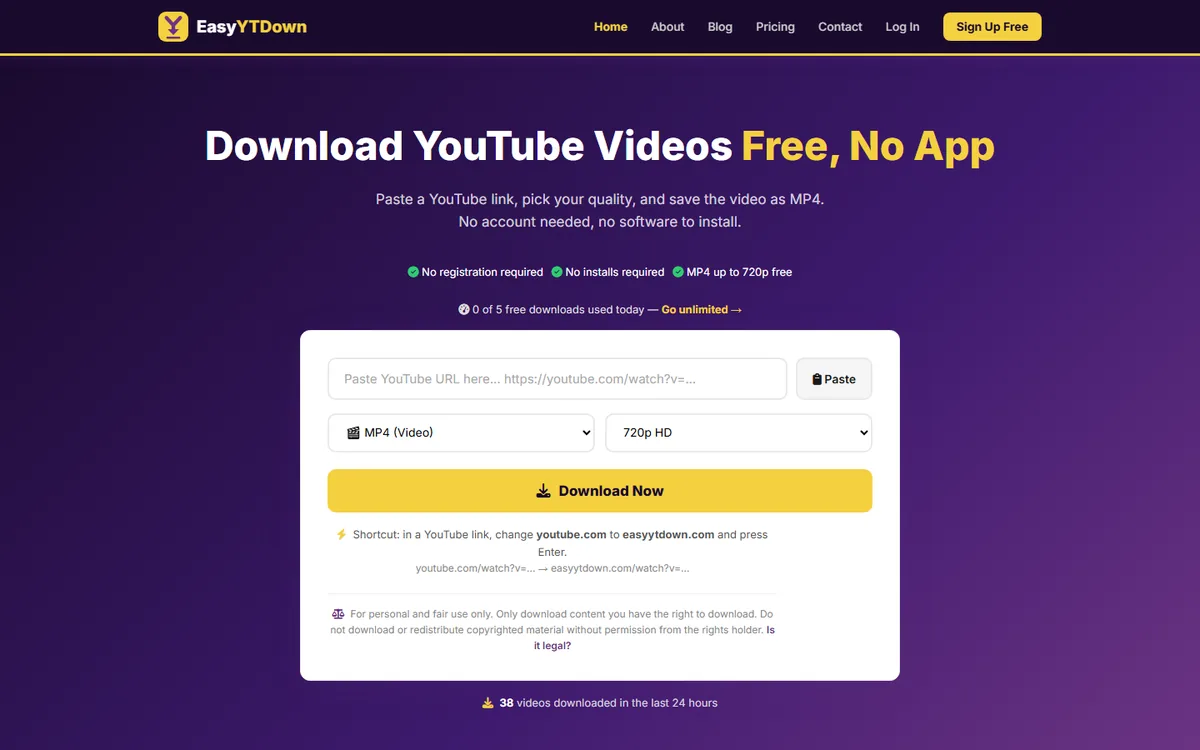
EasyYTDown lets you save any public YouTube video as MP4, right in your browser. Free up to 720p with 5 downloads a day. Go Pro for unlimited downloads, 1080p HD, MP3 audio and no ads.
EasyYTDown
Free YouTube video & audio downloader — runs in your browser
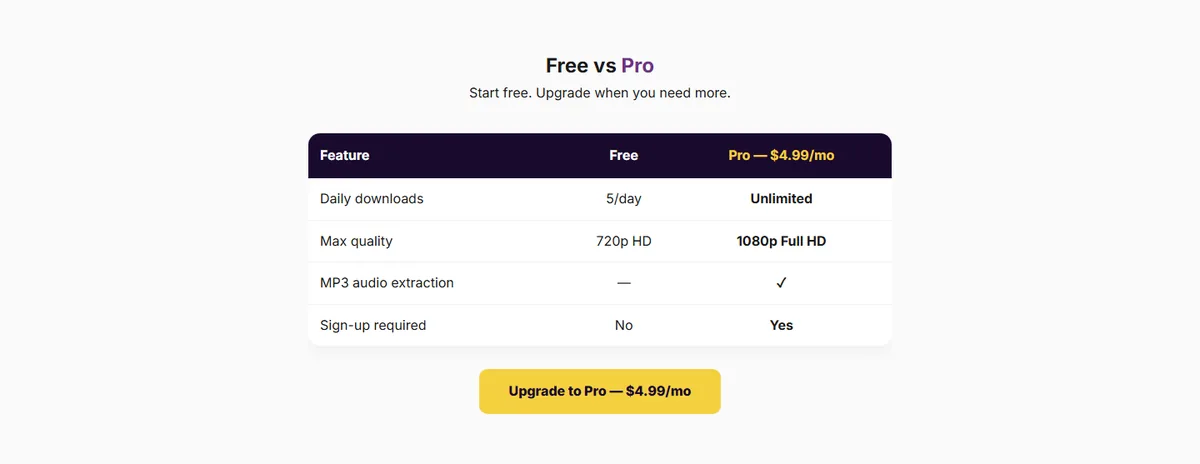
Paste any YouTube URL and download the video as MP4, processed online with nothing to install. The free plan gives you 720p video and 5 downloads a day. Pro ($4.99/month or $39.99/year) removes the limit and adds 1080p HD, MP3 audio and no ads.
- MP4 download, 360p to 720p
- 5 downloads per day
- No sign-up required
- Unlimited downloads
- 1080p Full HD MP4
- MP3 audio extraction
- No ads
- Or $39.99/year (save 33%)
Everything you need to download YouTube videos
No bloatware, no extensions — just paste and download.
MP4 Video Download
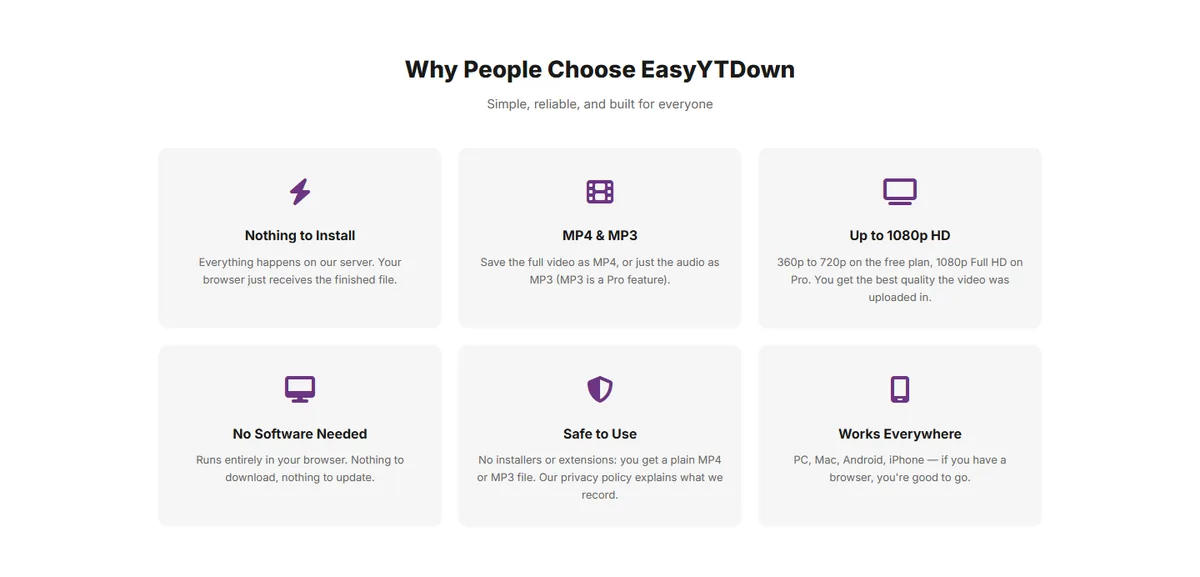
Download any public YouTube video as MP4 — supports 360p and 720p quality on the free plan.
MP3 Audio (Pro)
On Pro, save just the audio track of a video as an MP3 file, for podcasts, lectures and music you have the right to keep.
HD 1080p (Pro)
Upgrade to Pro for full 1080p HD downloads. Sharper video for archiving tutorials, presentations, and more.
No Install Required
Runs entirely in your browser — no desktop app, no browser extension, no software to install or maintain.
No Sign-up on Free Plan
Paste a URL and download. No account required on the free plan — just a clean, no-friction experience.
Link Shortcut
Change youtube.com to easyytdown.com in any video or Shorts address and the downloader opens with that video already loaded.
5 Downloads / Day Free
The free plan allows 5 downloads per day with no sign-up. Pro removes the daily limit and the ads.
Free Thumbnail Downloader
Paste a video or Shorts link to preview and save its thumbnail in every size YouTube publishes, up to 1280x720. No sign-up, and it does not count toward the daily limit.
A look at EasyYTDown
Screenshots of the live site.

Common questions about EasyYTDown
Is EasyYTDown free?
Do I need to install anything?
Which video qualities are available?
Is it safe to use?
Can I download private or age-restricted videos?
Can I download the thumbnail of a video?
Is there a quick way to open a video in EasyYTDown?
How do I upgrade to Pro?
Responsible use & copyright
EasyYTDown is meant for videos you own, videos released under a Creative Commons or similar licence, and content you have the rights holder's permission to save — your own uploads, lecture recordings you're allowed to keep offline, or royalty-free footage. Downloading copyrighted material without permission may break copyright law and YouTube's Terms of Service, and you are responsible for how you use the tool. We act promptly on rights-holder requests sent to contact@matrixinnsolutions.com.
Ready to download?
Paste a YouTube link at easyytdown.com and get your MP4. Free, with no account needed.