
How to Monetize a Chrome Extension in 2026 (6 Proven Models)
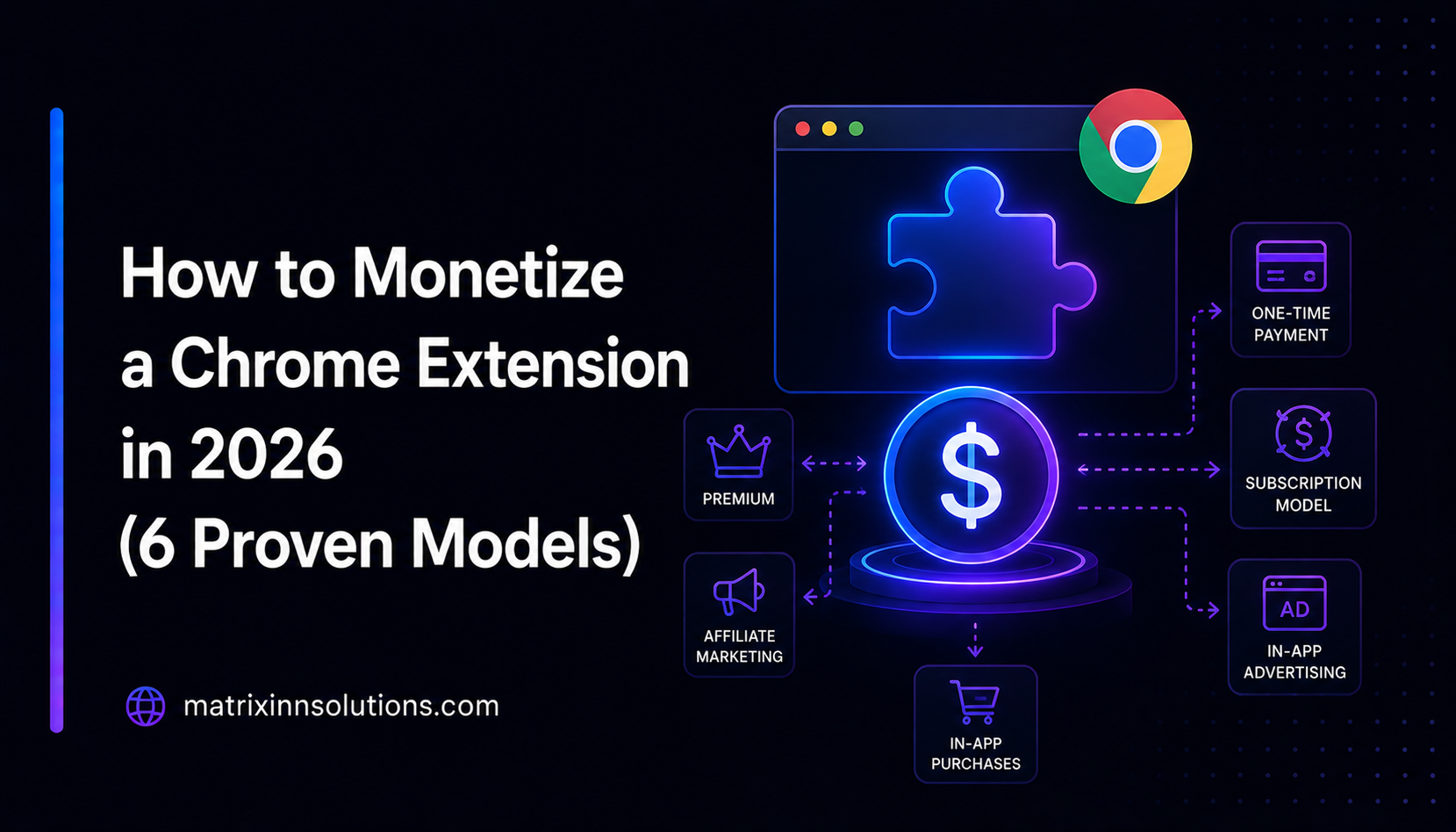
Chrome extensions are one of the best software distribution channels that still exist. Zero CAC for organic installs, direct access to the browser, deep integration with user workflows, and 3 billion Chrome users. But converting installs into revenue is where most extension developers struggle.
Here are the 6 proven monetization models for Chrome extensions in 2026, with real-world examples and honest tradeoffs for each.
Model 1: Freemium with Paid Features
This is the most popular and highest-converting model for productivity extensions. The free version provides core value; paid features unlock advanced functionality.
How it works:
- Basic features are permanently free
- Premium features require a paid plan ($3–$10/month is typical)
- Use
chrome.storage.syncto store the user's license status, or call your backend API to verify subscription
Real examples:
- Grammarly — Free grammar checking, paid for advanced suggestions and tone detection
- Loom — Free video recording with limits, paid for longer videos and analytics
- Wordtune — Free rephrasing, paid for unlimited rewrites and AI suggestions
Conversion rates: Free-to-paid conversion is usually in the low single digits, and varies a lot by product and audience.
Implementation: Use Stripe + your own backend (Node.js, Python) to handle subscriptions. Store a license key or JWT in chrome.storage.sync after payment. Verify it against your backend on extension load.
Best for: Productivity tools, writing assistants, SEO tools, design helpers.
Model 2: One-Time Purchase (Lifetime License)
Users pay once and get permanent access. This is increasingly popular as users have "subscription fatigue."
How it works:
- Price typically $15–$50 for lifetime access
- Often sold through a website (your own or Gumroad, Lemonsqueezy)
- Optionally, major version upgrades may require a new purchase
Advantages:
- Users love it — easy "yes" decision
- No subscription management overhead
- Lower refund rates than subscriptions
Disadvantages:
- Lumpy revenue — you need continuous new customer acquisition
- No recurring income from existing users
- Harder to fund ongoing development
Best for: Niche tools with a specific audience, developer tools, one-and-done utilities.
Model 3: Subscription via Website (Not Chrome Web Store)
Google no longer offers payments through the Chrome Web Store, so you have to bring your own payment system. Most serious extension developers sell subscriptions through their own website and website and just verify the license key inside the extension.
How it works:
- User buys a subscription on your website via Stripe or LemonSqueezy
- Your backend sends a license key via email
- User enters the key in the extension's options page
- Extension calls your API to verify the key and unlock features
This keeps your revenue (minus payment processor fees, typically around 3%) in your own hands.
Tools: Stripe Billing for subscriptions, LemonSqueezy or Paddle for global tax compliance, your own Node.js/Python backend for license verification.
Model 4: B2B / Enterprise Licensing
If your extension serves a professional use case (sales tools, developer tools, security tools, HR tools), enterprises will pay significantly more than individual users.
Pricing structures:
- Per-seat: $10–$30/user/month for teams of 10–500
- Department license: $500–$5,000/year for unlimited seats in a department
- Enterprise: Custom pricing, usually $10,000+/year with custom features
What enterprises need:
- Centralized license management (admin dashboard)
- SSO/SAML support for authentication
- MDM deployment (push extension to all employee browsers via Google Workspace)
- SOC 2 or security documentation
- Dedicated support
Examples: Workona (tab management for teams), TextExpander (snippets for customer support teams).
Best for: Extensions solving a clear business problem (productivity, sales, customer support, development).
Model 5: Affiliate and Referral Revenue
Some extensions monetize by including affiliate links or deals. This only works ethically when the affiliate content is core to the extension's purpose.
Legitimate examples:
- Honey / Capital One Shopping — Coupon extension that earns affiliate commissions from retailers when users make purchases
- Rakuten — Cashback extension that earns affiliate revenue from partner stores
- Price comparison extensions — Earn per click or per sale when linking to comparison retailers
Important warning: Injecting affiliate links into websites users visit without explicit consent violates Chrome Web Store policies and will get your extension removed. Only include affiliate content where it's clearly part of the extension's advertised purpose.
Model 6: Selling the Extension
Extensions with significant active user bases have real acquisition value. Buyers include:
- Companies wanting to acquire users in your niche
- Entrepreneurs looking for profitable small software businesses
- Private equity and micro-acquisition funds (Tiny, Acquire.com buyers)
Valuation benchmarks:
- A monetized extension with steady recurring revenue can sell for a multiple of its annual revenue; actual valuations vary widely
- List on Acquire.com or Flippa
- A large free extension with a big, engaged user base can still attract buyers even without revenue
Which Model Should You Choose?
Match the model to your extension's user base and value proposition:
- Consumer productivity tool with broad appeal? → Freemium subscription ($5–$10/month)
- Developer or power-user tool? → One-time purchase ($20–$50) or subscription
- Business/team workflow tool? → B2B per-seat subscription ($15–$30/user/month)
- Shopping or deals extension? → Affiliate revenue
- Built it, don't want to maintain it? → Sell it
Technical Implementation Tips
- Never put license validation logic only in client-side code — it can be bypassed. Always validate against your backend.
- Use a short cache (24 hours) for license verification to reduce API calls without requiring constant connection.
- Gracefully degrade if the verification API is down — don't lock out legitimate users due to server downtime.
- Use LemonSqueezy or Paddle instead of Stripe if you have global customers — they handle VAT/GST compliance automatically.
Building a Chrome extension business? See our extension development services — we build browser extensions for clients worldwide.